HDR合成
異なる露光量で撮影した複数枚の画像を入力としてハイダイナミックレンジ合成画像を生成し、結果を保存するサンプルコードです。
import pyfie

# PyFIE 関数が返すエラーコードに応じて例外を発生させる機能を有効化
pyfie.ctrl.enable_f_err_exception(True)

# 入力画像ファイル
img_fnames = [
    "fie_hdr_sample_img_01.png",
    "fie_hdr_sample_img_06.png",
    "fie_hdr_sample_img_15.png",
]
# 露光量の比のリスト。ここではマイクロ秒単位の露光時間とする
exposure_ratios = [1000, 6000, 15000]

# 入力画像読み込み
himgs = [pyfie.imread(img_fname) for img_fname in img_fnames]

# HDR輝度キャリブレーション
hhdr = pyfie.hdr_calibrate_robertson(himgs, exposure_ratios)

# HDR合成画像生成
hdst_dbl = himgs[0].empty_like(pyfie.F_IMG_DOUBLE)
pyfie.hdr_execute(hhdr, himgs, hdst_dbl)

# トーンマッピング
hdst = himgs[0].empty_like()
pyfie.hdr_tonemap_hood(hdst_dbl, hdst)

# 結果画像保存
pyfie.imwrite("hdr_result.png", hdst)
処理結果例
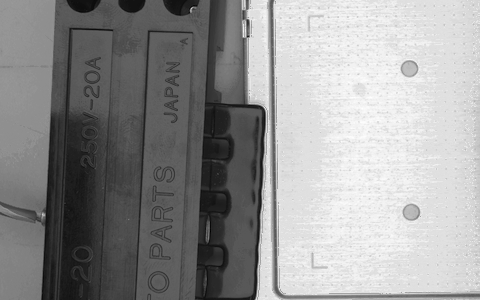
入力画像1(露光時間1000μs)
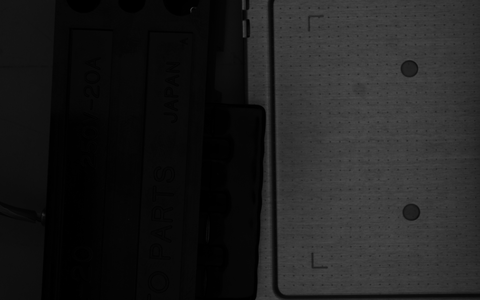
入力画像2(露光時間6000μs)
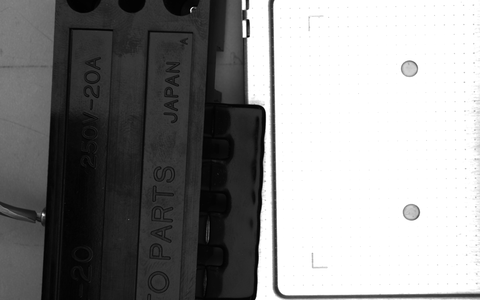
入力画像3(露光時間15000μs)
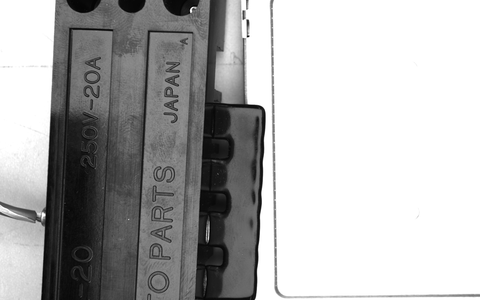
出力画像